Auto Plant
Plants seeds in your garden automatically. Supports name filters and saved plot positions.
The most complete auto-farm script for Grow a Garden 2 on Roblox. Auto Plant, Auto Harvest, Auto Sell, Pet Tamer and more — 100% free, no key, no linkvertise.
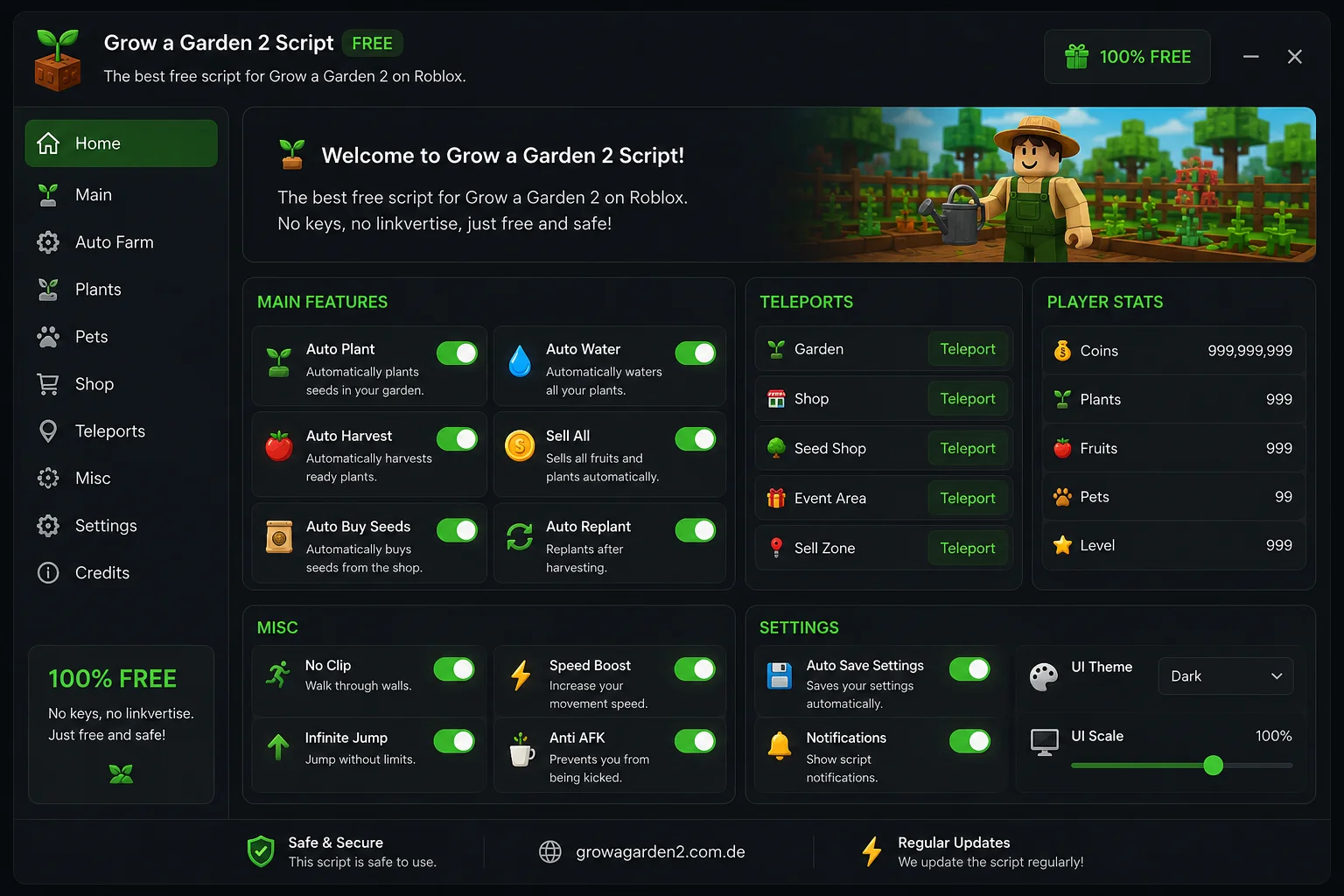
Clean GUI, toggle-based controls, full auto-farm panel — all in one script.
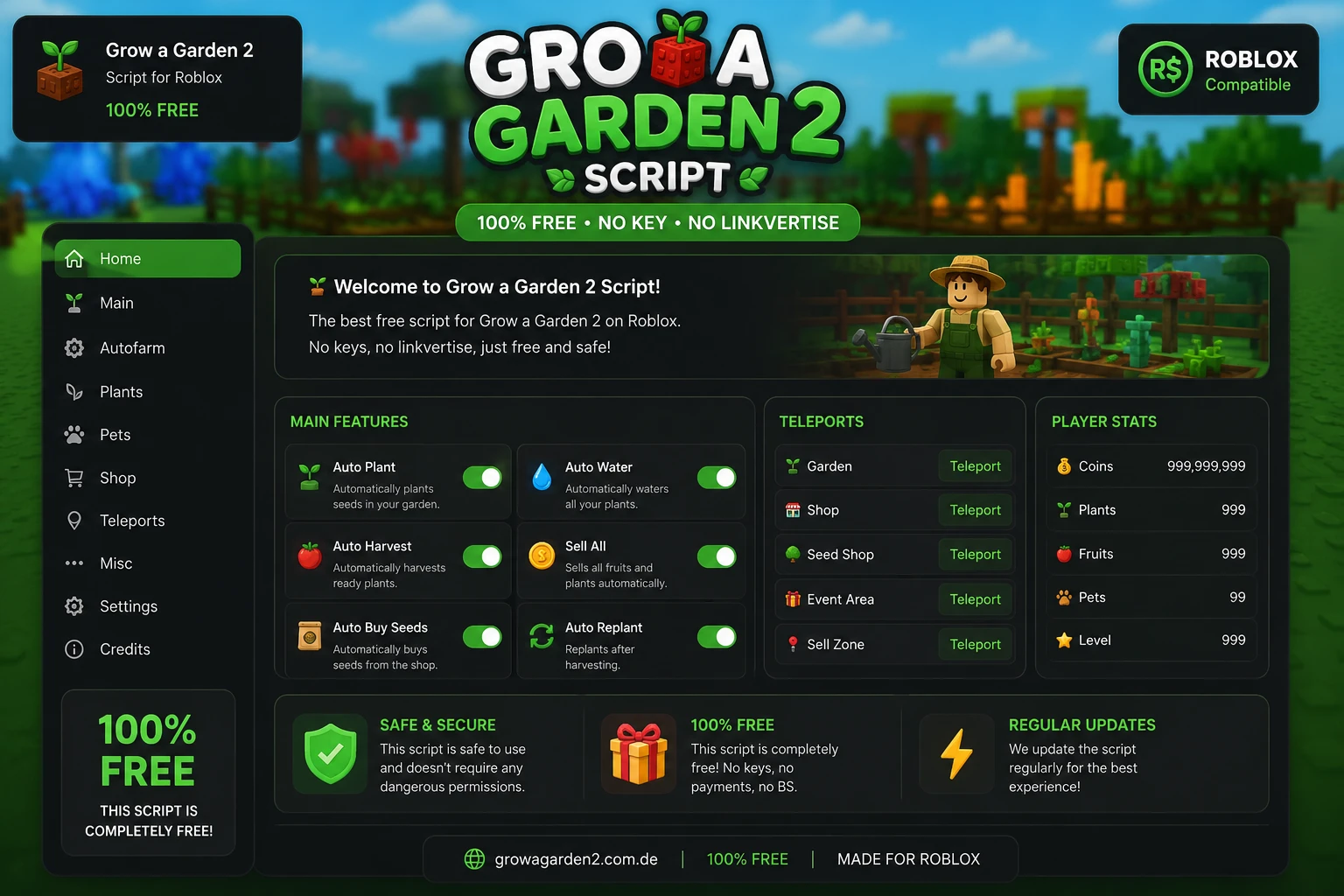
Everything in one download. No separate modules, no paywalls.
Plants seeds in your garden automatically. Supports name filters and saved plot positions.
Waters all plants continuously so nothing wilts. Handles multiple plots at once.
Detects and harvests ready crops instantly. Auto-replants after each harvest cycle.
Sells when backpack is full or every X seconds. Protects favorited mutations from selling.
Automatically buys the most profitable seeds from the shop. Configurable budget cap.
Replants after harvest without any input. Keeps your garden running 24/7.
Auto-equips and tames wild pets by name or rarity tier. Includes egg snip feature.
Instant teleport to Garden, Shop, Seed Shop, Event Area, and Sell Zone.
Shows live Coins, Plants, Fruits, Pets count, and Level directly in the GUI.
Player-to-player trading via chat commands and Discord webhook integration.
Increase movement speed across the map and walk through obstacles to reach plots faster.
Keeps your session active indefinitely — no more getting kicked while your farm runs overnight.
All versions are free. No surveys, no key systems, no waiting.
Updated June 13, 2026
Updated June 10, 2026
Updated June 8, 2026
Four steps, under two minutes.
Download a compatible executor — Delta, Wave, or Solara for PC; Delta or Arceus X for mobile.
Open Roblox and join Grow a Garden 2. Wait until your character loads fully in the game world.
Open your executor, attach it to Roblox, paste the downloaded script and click Execute.
The in-game GUI opens automatically. Toggle Auto Farm, pick your seeds, and let it run.
Tested with the current version of Grow a Garden 2. Last checked June 13, 2026.
| Executor | Platform | Key Required | Mobile | Status |
|---|---|---|---|---|
| Delta | PC / Android / iOS | No | ✓ | Working |
| Wave | PC | No | — | Working |
| Solara | PC | No | — | Working |
| Arceus X | Android | No | ✓ | Working |
| Fluxus | PC | Yes | — | Partial |
What changed in each version. Download the latest to stay current.
Most sites make you jump through hoops. We don't.
No Linkvertise, no Human Verification, no waiting. Click download, paste, execute.
The script is patched within hours of any Grow a Garden 2 game update. Always working.
Full support for Delta executor on Android and iOS — same features as PC.
Toggle-based interface that doesn't clutter your screen. Each module is independently switchable.
The script never asks for your Roblox username, password, or any personal data.
Minimal memory footprint. Doesn't slow down your game or cause FPS drops.
Grow a Garden 2 is the sequel to the record-breaking Roblox idle farming game by Splitting Point Studios, which peaked at 22.3 million concurrent players and accumulated over 35 billion visits. The sequel expands on the original with deeper farming mechanics, pets, seasonal events, and player-to-player trading.
The game's loop — buy seeds → plant → water → harvest → sell — is rewarding but time-intensive. That's exactly what this script automates, so you can focus on the fun parts: collecting rare mutations, taming pets, and trading.
Yes. The recommended build (Lumin Hub) has no key system whatsoever — no Linkvertise, no Human Verification. Download, paste, execute.
Yes. Use the Delta executor on Android or iOS. The script GUI automatically scales to mobile screen sizes.
Scripts carry inherent risk in any Roblox game. We recommend testing on an alt account first. The script never requests your Roblox credentials.
The script is checked and patched daily. Version 1.2.8 was released June 13, 2026 and is confirmed working with the current game patch.
No. Enable "Auto Favorite Mutations" in the GUI and the script will mark rare mutated plants as favorites before any sell cycle runs, protecting them.
Delta and Wave are the top picks — both keyless, stable, and regularly updated. Solara is a solid alternative. See the full compatibility table.
Free. Keyless. Updated daily. Takes 60 seconds to set up.
Latest version: v1.2.8 · June 13, 2026